




Atelier by Wapis Group

Your commissions,
configured live.

A real 3D vehicle your clients configure themselves — one car they can turn, open and make their own. Live in the browser, not a gallery of renders.

See how it works
Real-time 3D· Materials· Geometry· Light· Interaction
The platform · by Wapis Group

A live-3D commissioning platform for bespoke vehicle builders.

01

Not renders — one live vehicle

The same three-dimensional car stays in front of the visitor throughout. They turn it, open the doors, paint each panel and swap parts — every choice rendered in real time, never a pre-baked image.

02

Built to engage, not to fill a form

Instead of scrolling a gallery or filling in a contact box, visitors find and describe their own vision — and stay to do it. The experience itself is the lead.

03

Arrives as a shareable spec

Every commission becomes a link that reopens the exact car — delivered to your inbox and your client's, as a considered starting point for the conversation your process depends on.

Not a sequence of images.
One vehicle, responding in real time.

Real-time 3D engine

Change the model, material, component, position, lighting or environment — the same three-dimensional vehicle remains present throughout. Below, one continuous session, captured live.

01

Every decision.
One continuous experience.

One guided 3D environment carries a single vehicle from first choice to finished presentation — specification, craftsmanship and staging, all on the same live model. Nothing resets between steps and nothing is a separate page: the car a client builds in the first chapter is the car they light and share in the last.

  1. Choose the vehicle — model, wheelbase and roofline
    Choose the vehicle Model, wheelbase and roofline — the architecture that sets its character.
  2. Shape the exterior — paint, grille, lamps, wheels and stance
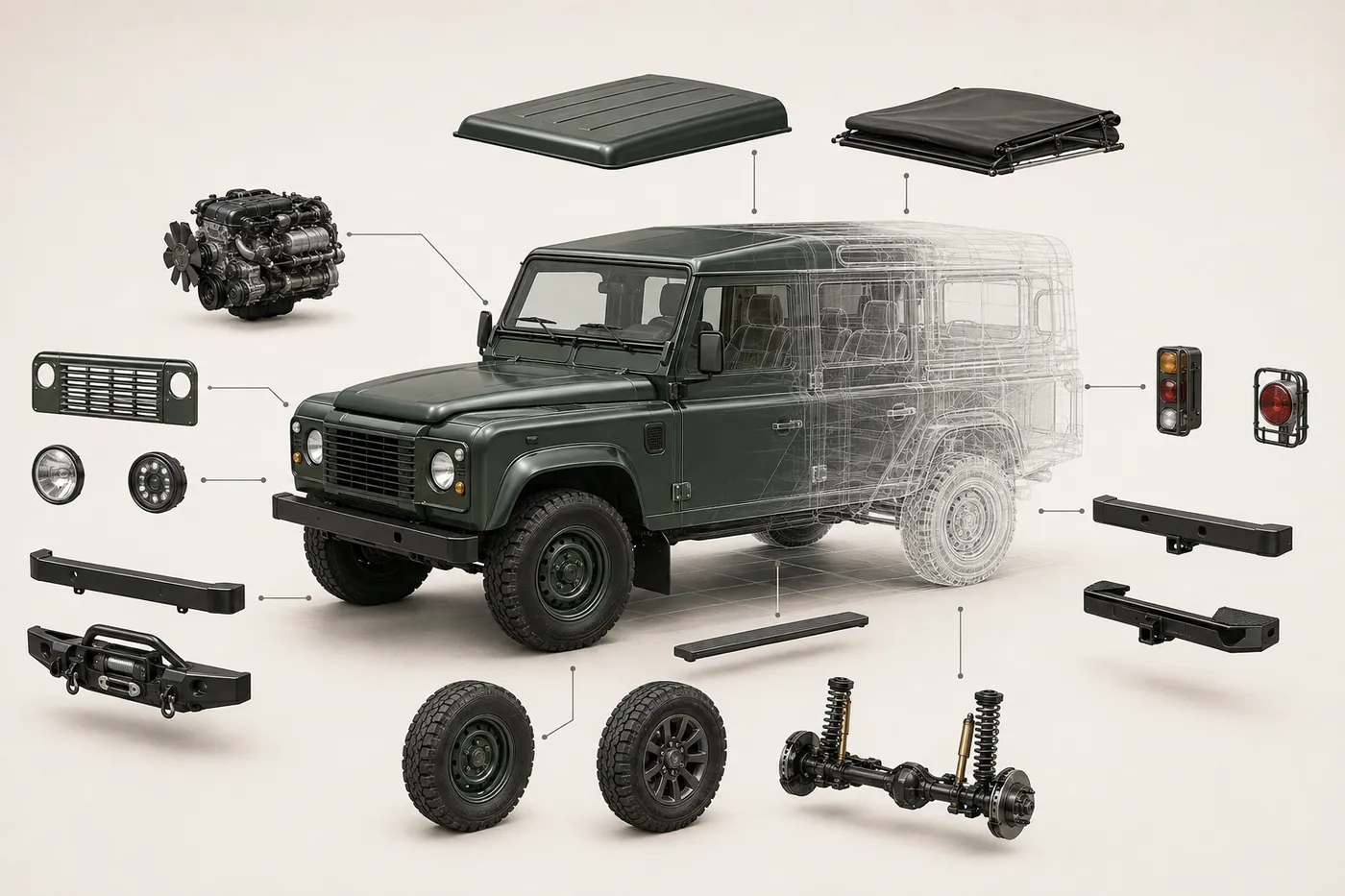
    Shape the exterior Paint every panel, then swap the grille, lamps, wheels, bumpers and stance.
  3. Craft the cabin — seats, dashboard and trim
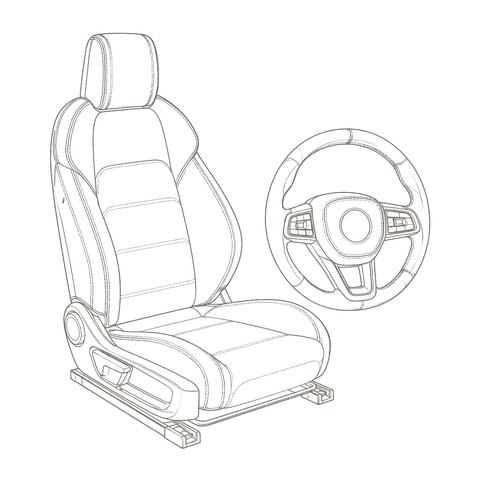
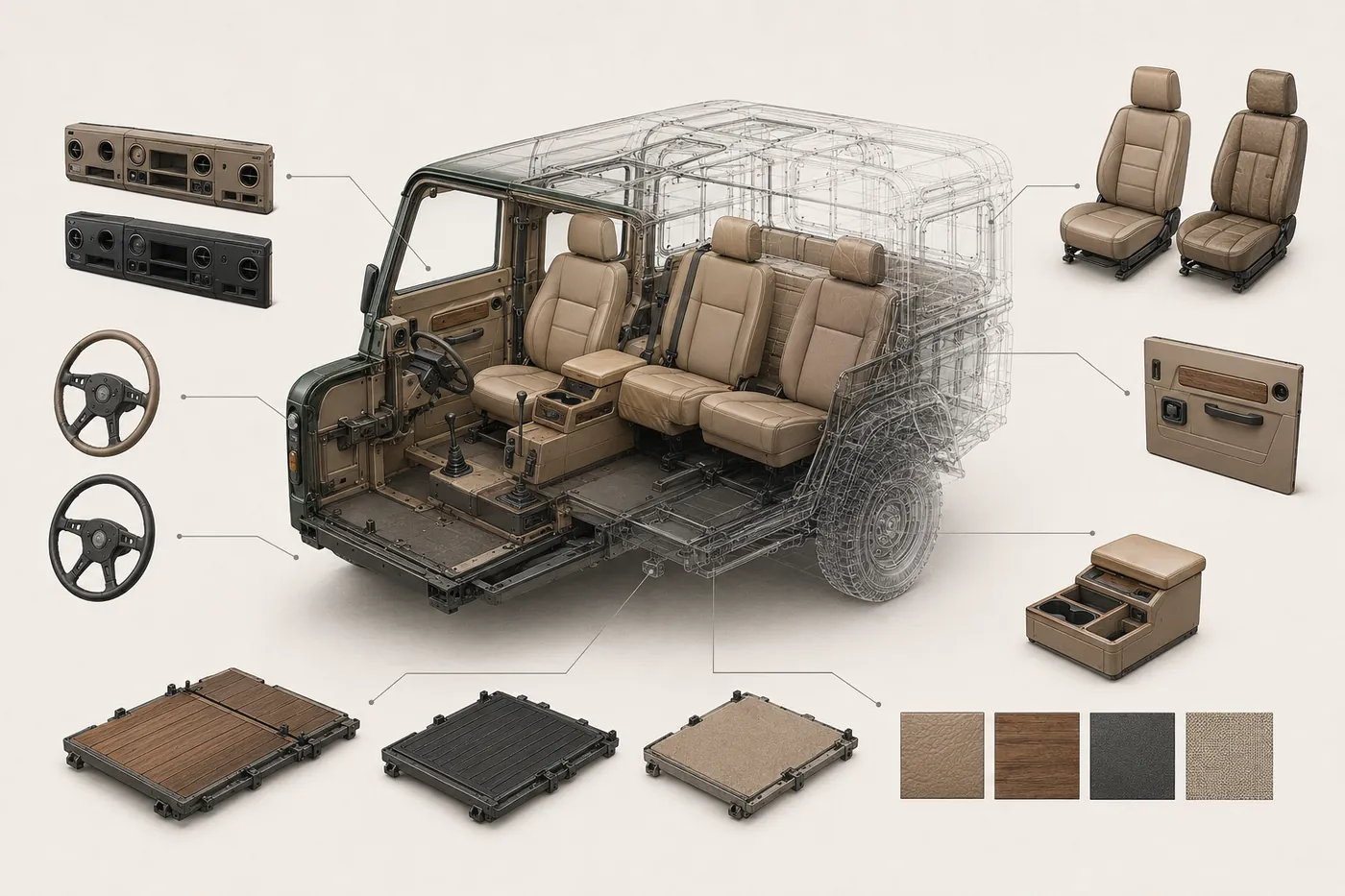
    Craft the cabin Seats, dashboard and steering wheel, trimmed in leather or textile, any colour.
  4. Direct the scene — environment, lighting and reflections
    Direct the scene Place the finished car in a setting, with lighting and reflections to match.

Four phases, one continuous model — every choice renders on the same vehicle, instantly, and carries through to the next.

02

Vehicle architecture

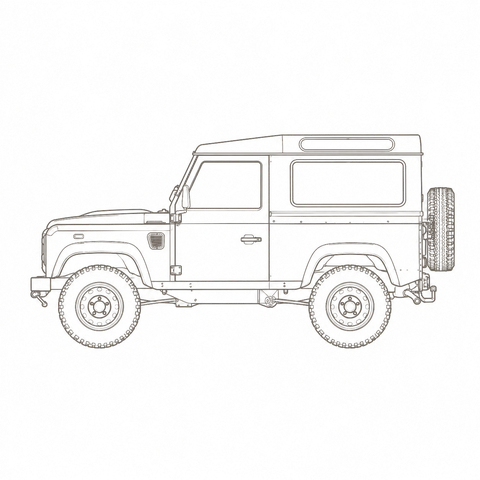
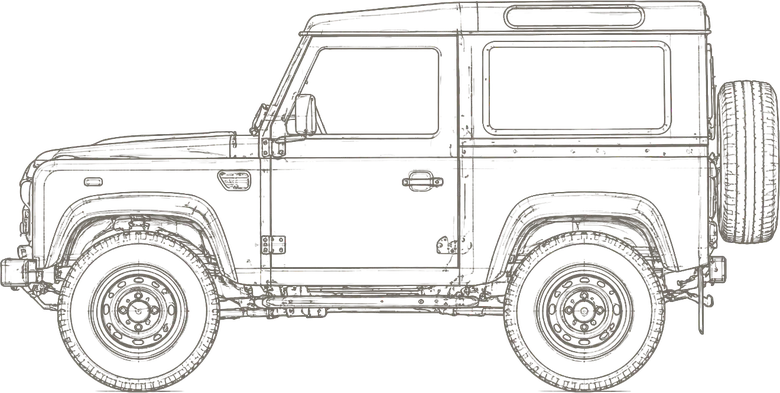
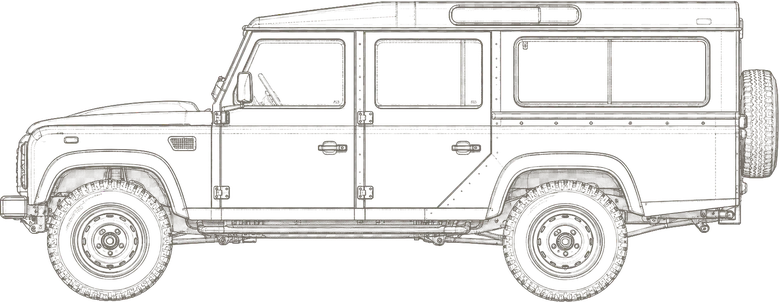
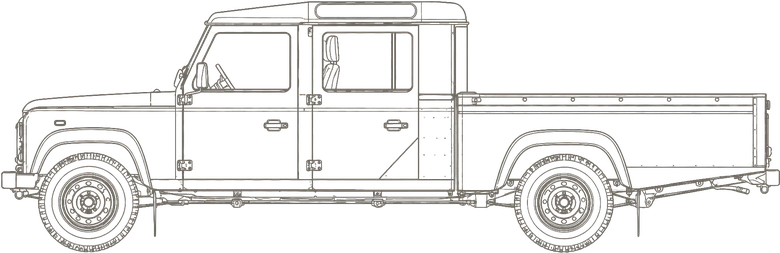
The wheelbase sets the vehicle's proportions, which components fit, and how the studio frames it — 90, 110 or 130.

Defender 90 technical side elevation
Defender 110 technical side elevation
Defender 130 technical side elevation
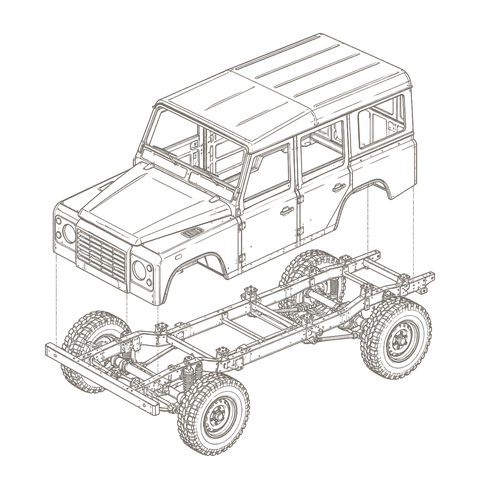
Exploded view of a Defender's configurable exterior components
What updates in real time
Real-time part swaps Colour & finish, per panel Open doors, bonnet & tailgate Suspension & stance Shareable commission link Embeddable in your site
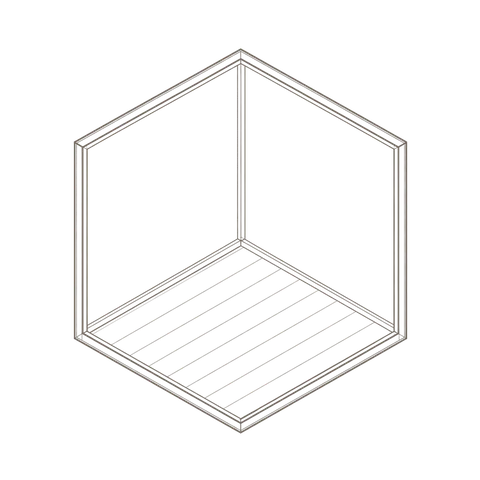
Exploded view of the configurable cabin — dashboards, seats, floors and trim
Material families
05

Interact with
the machine.

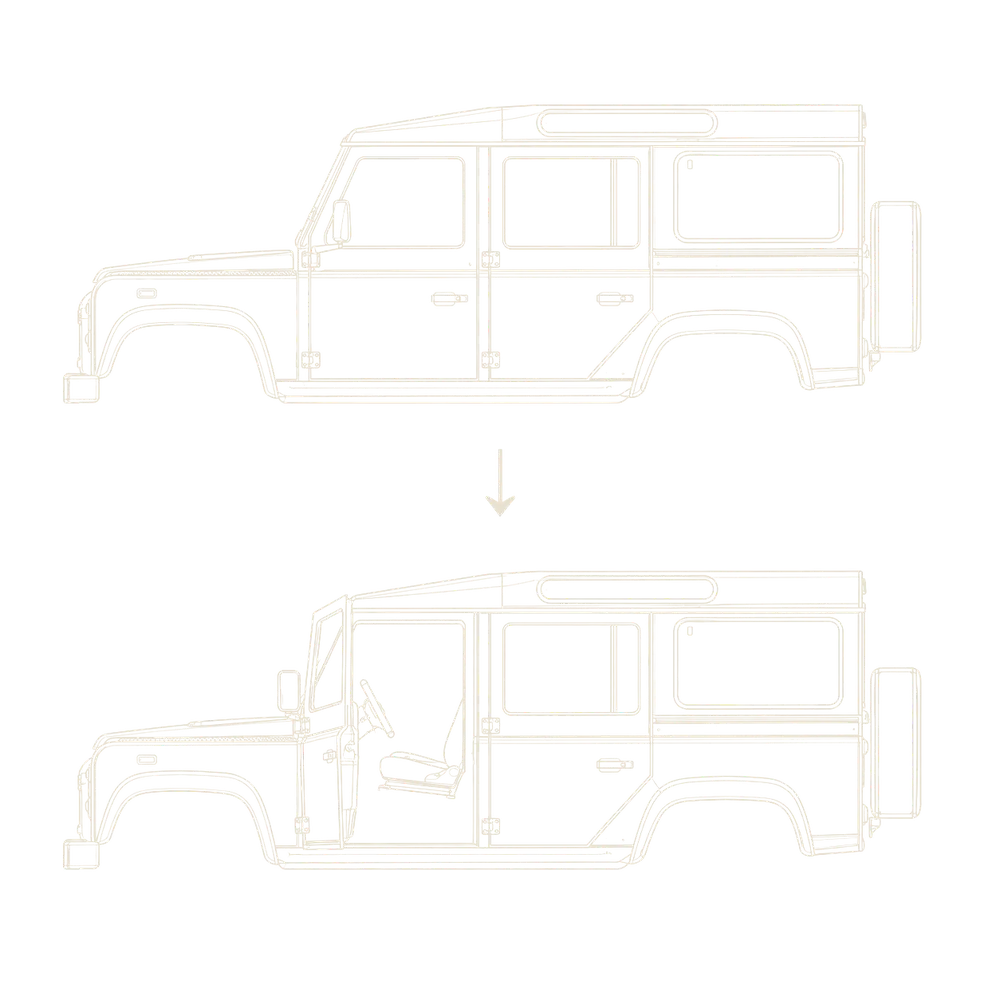
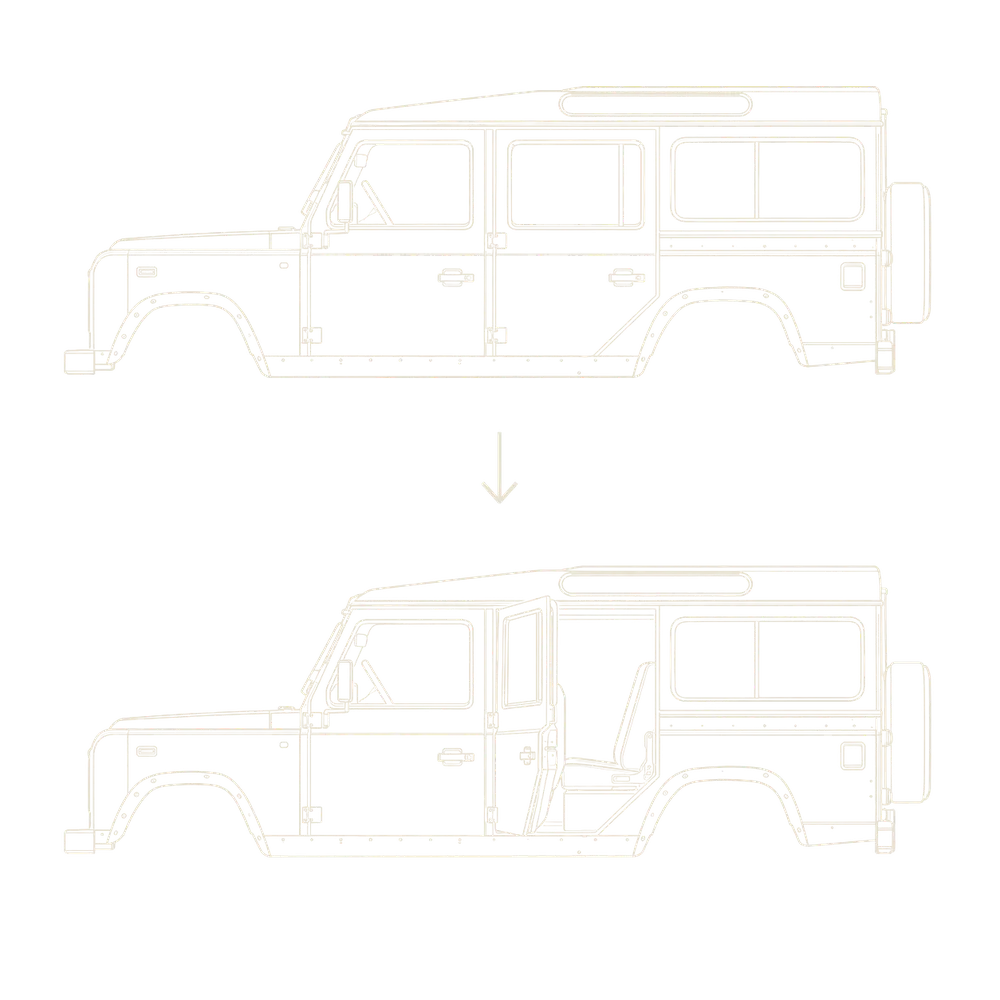
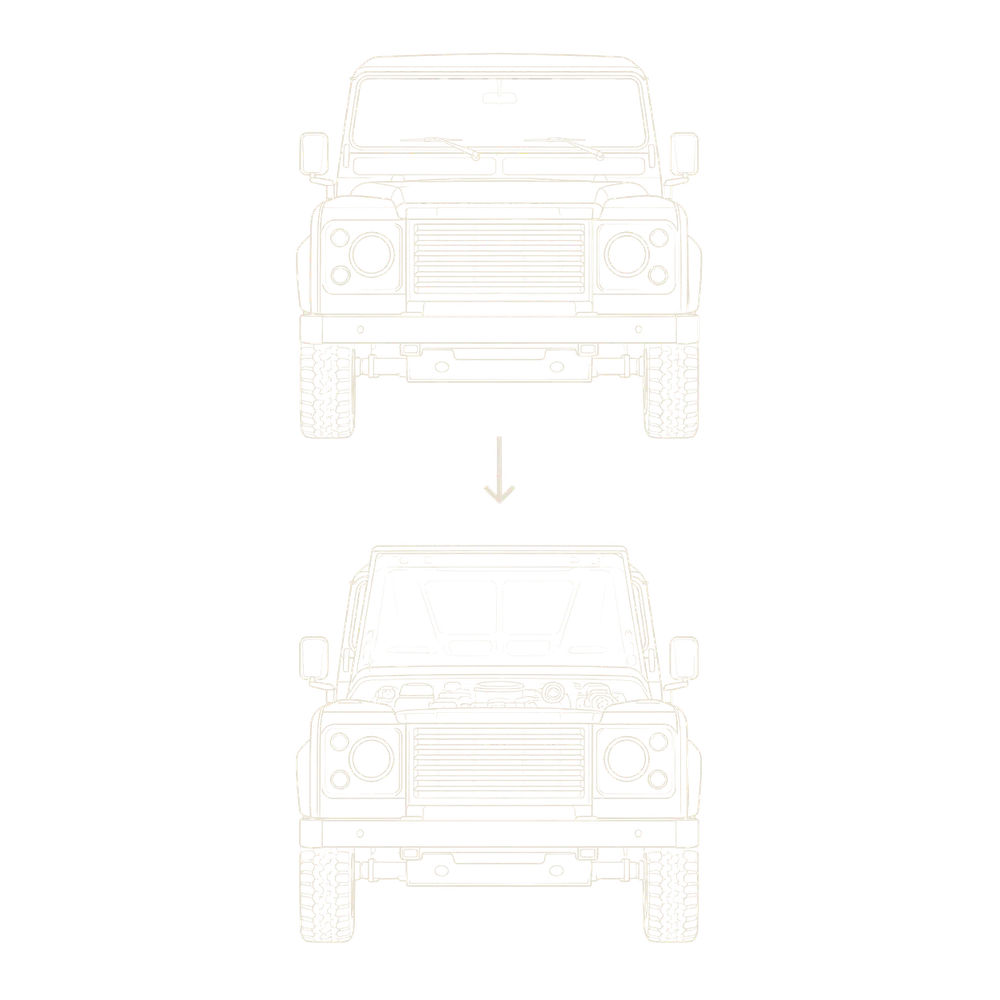
Doors, bonnet and tailgate open on the very same model — your client inspects the build, not a photograph of one.

Front doors
Front doors closed then open on the same Defender
Rear doors
Rear passenger door closed then open
Bonnet
Bonnet closed then open, revealing the engine bay
Tailgate
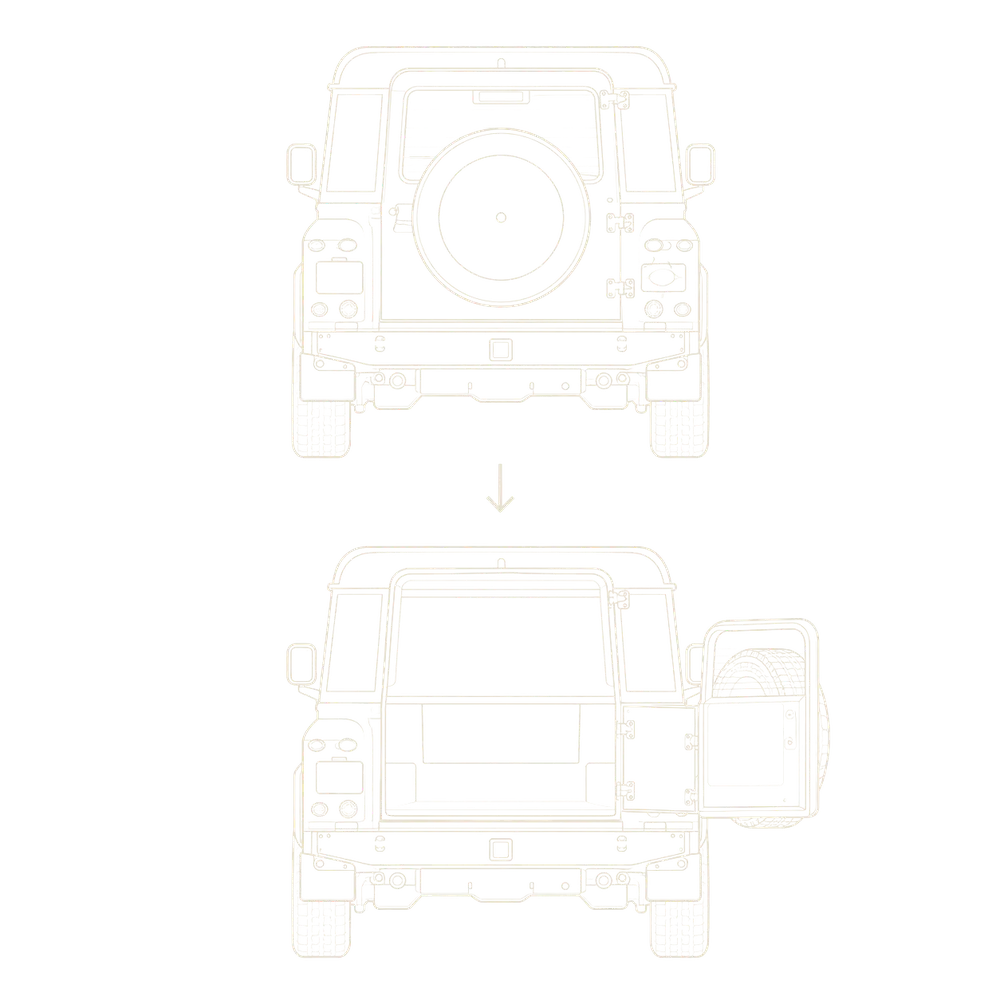
Tailgate and spare closed then open
06

Set the scene
to the brief.

Present the vehicle in whatever setting a commission calls for — studio or real-world, indoor or outdoor, day or night — with lighting, shadows and reflections that match, all on the same live car.

  • Environment
  • Day & night
  • Indoor & outdoor
  • Lighting & shadows
  • Reflections
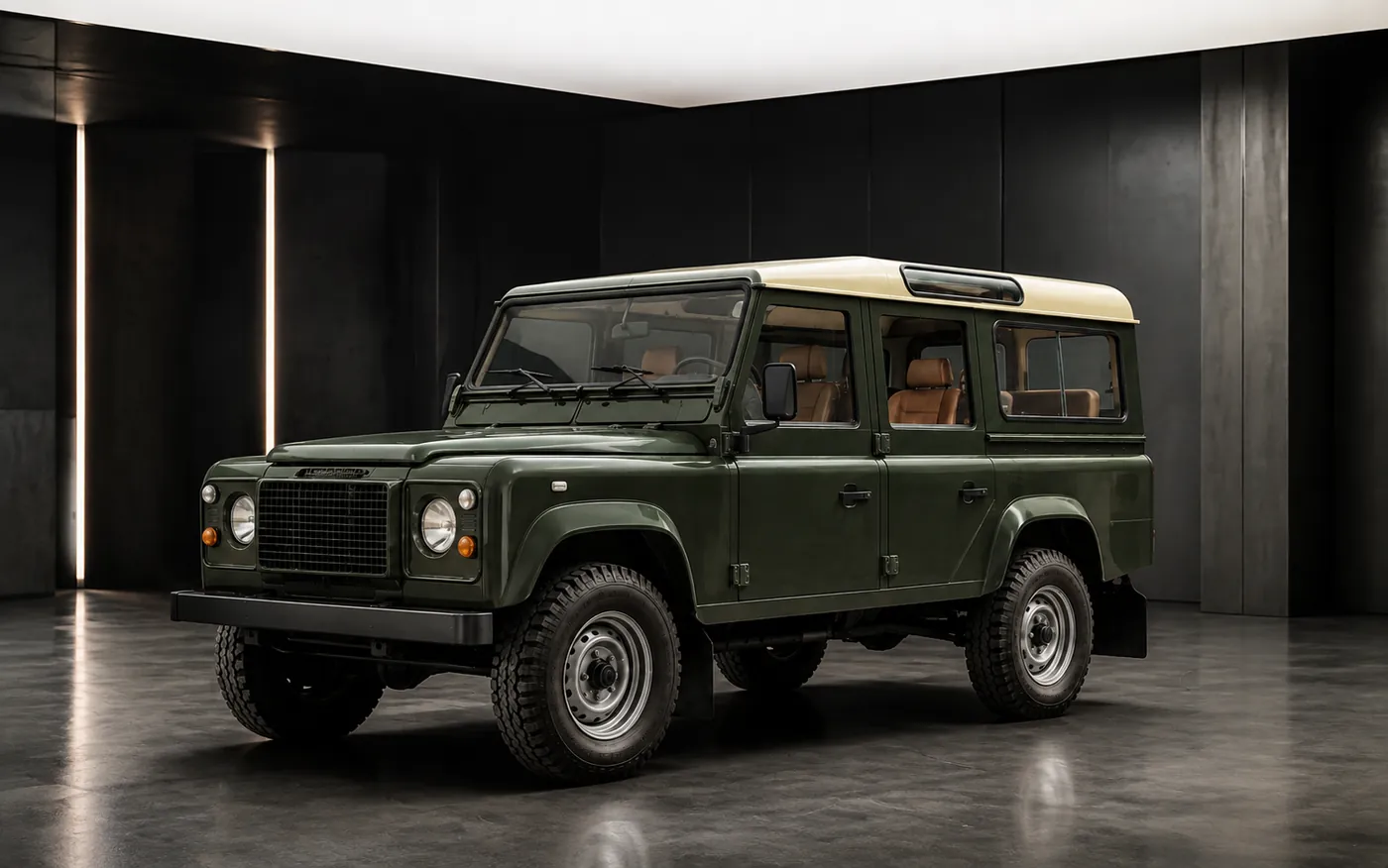
The Defender in a dark studio
The Defender in a daylight travertine plaza
The Defender in a concrete bay by the water
The Defender in an uplit courtyard at night
The Defender on a coastal landscape road
07

Two ways to
enter the Atelier.

One engine, two front doors — one for your client, one for the people who build the cars.

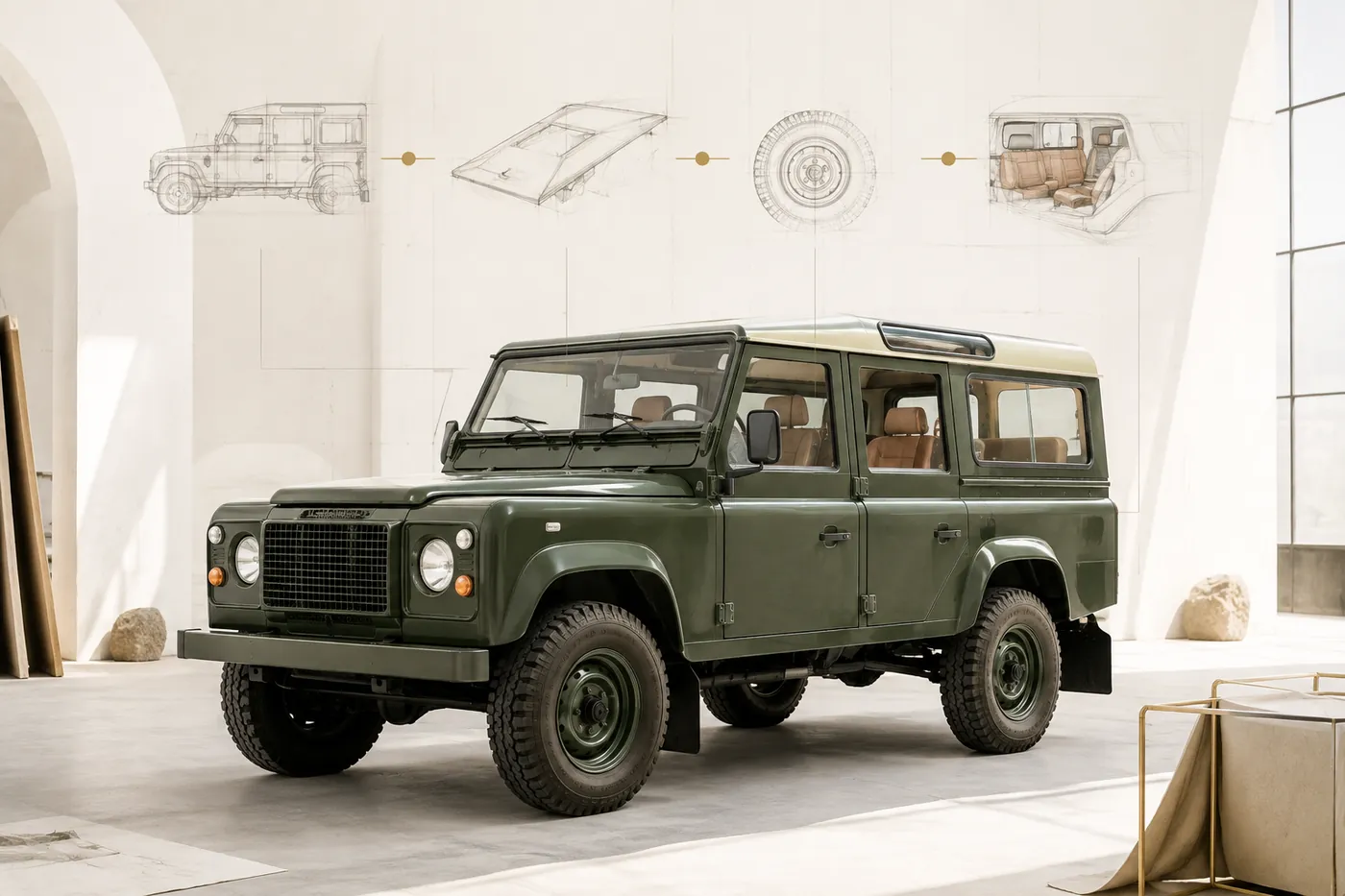
A Defender in the studio with design sketches on the wall — the guided commission journey

Guided commission

The client's way in. A step-by-step journey through the build — model, exterior, cabin, finish, then review — that leads a visitor to a complete commission and captures it. This is what you embed on your site for customers, on desktop and tablet.
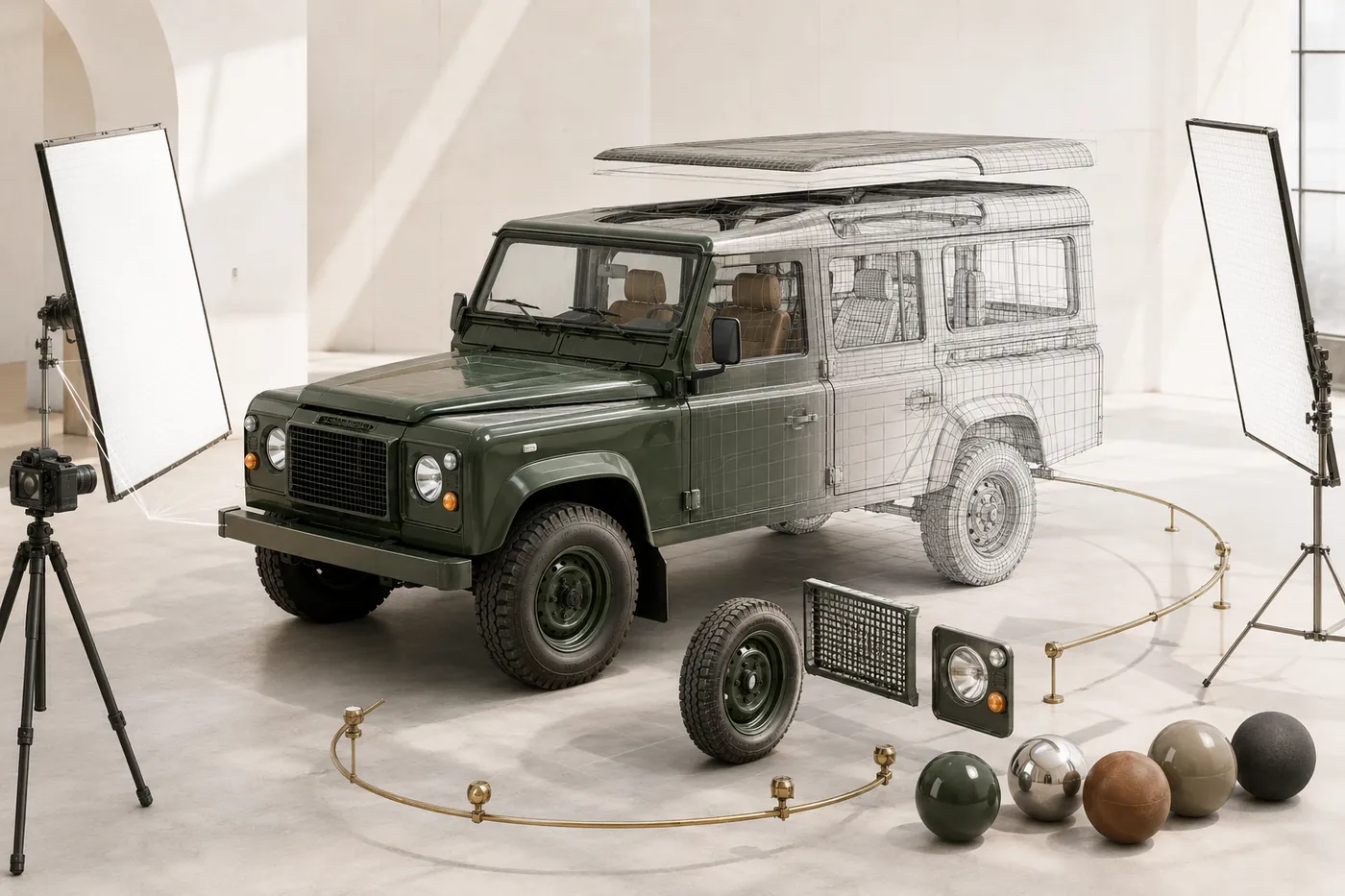

A Defender half-rendered, half-wireframe with studio lights, camera and material spheres — the 3D Studio

3D Studio

The specialist's way in. Open, real-time control of the same vehicle — lighting, materials, camera and every part, with no guided steps. For your team: tuning the studio and presenting a build.

08

From first look
to a buildable spec.

  1. Explore in 3DThe client turns, opens and configures a real vehicle — evaluating options live, not guessing from renders.
  2. Describe the visionThey find and describe what they want through their own choices, not a contact form.
  3. Shareable specificationThe commission becomes a link that reopens the exact car — sent to your inbox and theirs.
  4. The conversation beginsYou start from a considered brief — the way a bespoke commission actually begins.
09

Built around
how you sell.

  1. 01 / Embedded in your siteThe whole studio runs on your own pages — desktop and tablet, not a separate app.
  2. 02 / Edited by your teamOptions, copy and pricing are yours to change — without a developer.
  3. 03 / Modelled to any depthAny part of the vehicle made selectable and swappable — as deep as a commission needs.

We start by listening. The combinations worth showing are chosen with you, then each part is modelled properly — a defined scope and build plan before any commitment.

One vehicle.
Every layer. Live in 3D.

Let's talk about putting a live 3D commissioning studio on your own site — built around your vehicles, your options and the way you sell.

Discuss the project
Wapis Group